Want to send someone a message with a little more mystery? The free MixPlay Secret Scratch Card lets you hide a photo, text message, voice note or short video behind a virtual scratch-to-reveal cover.
The person receiving your private link simply scratches the cover using their mouse or finger to reveal what is hidden underneath.
There is no app to install and the tool works directly in your browser.
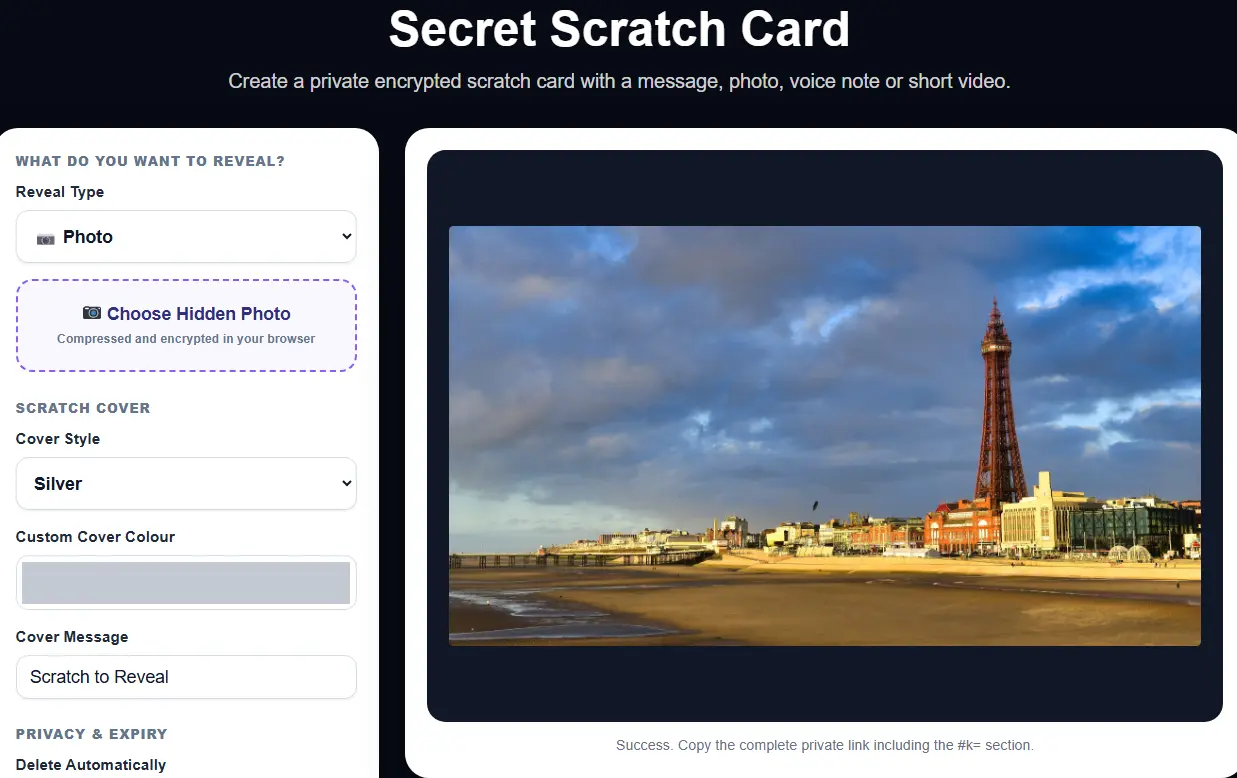
What Can You Put Inside a Secret Scratch Card?
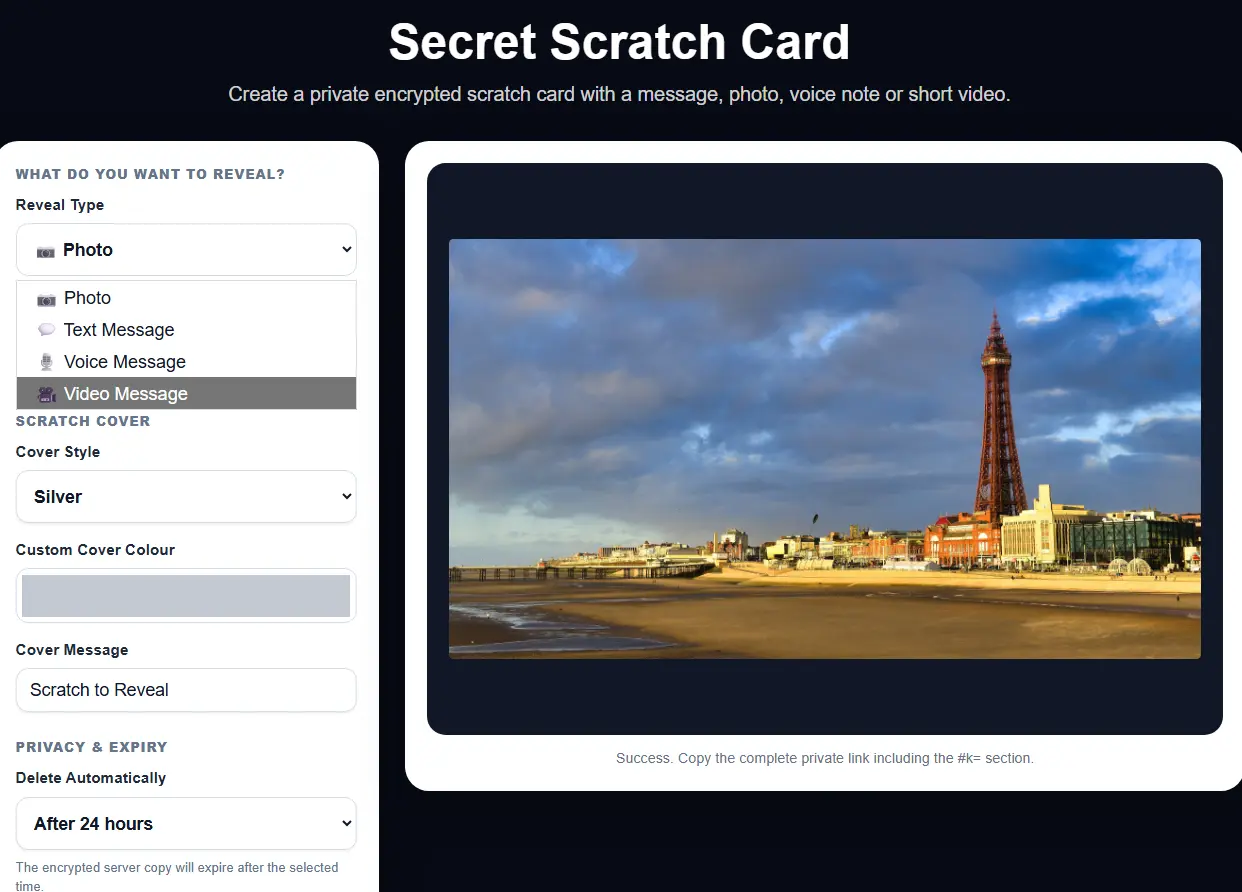
You are not limited to photographs. MixPlay gives you four different types of content to choose from.
- 📷 Photo – hide a favourite photograph, surprise image or special memory.
- 💬 Text Message – send a secret message, clue, announcement or greeting.
- 🎙️ Voice Message – add a personal recorded voice message.
- 🎬 Video Message – hide a short video for the recipient to reveal.
Choose How Long Your Scratch Card Lasts
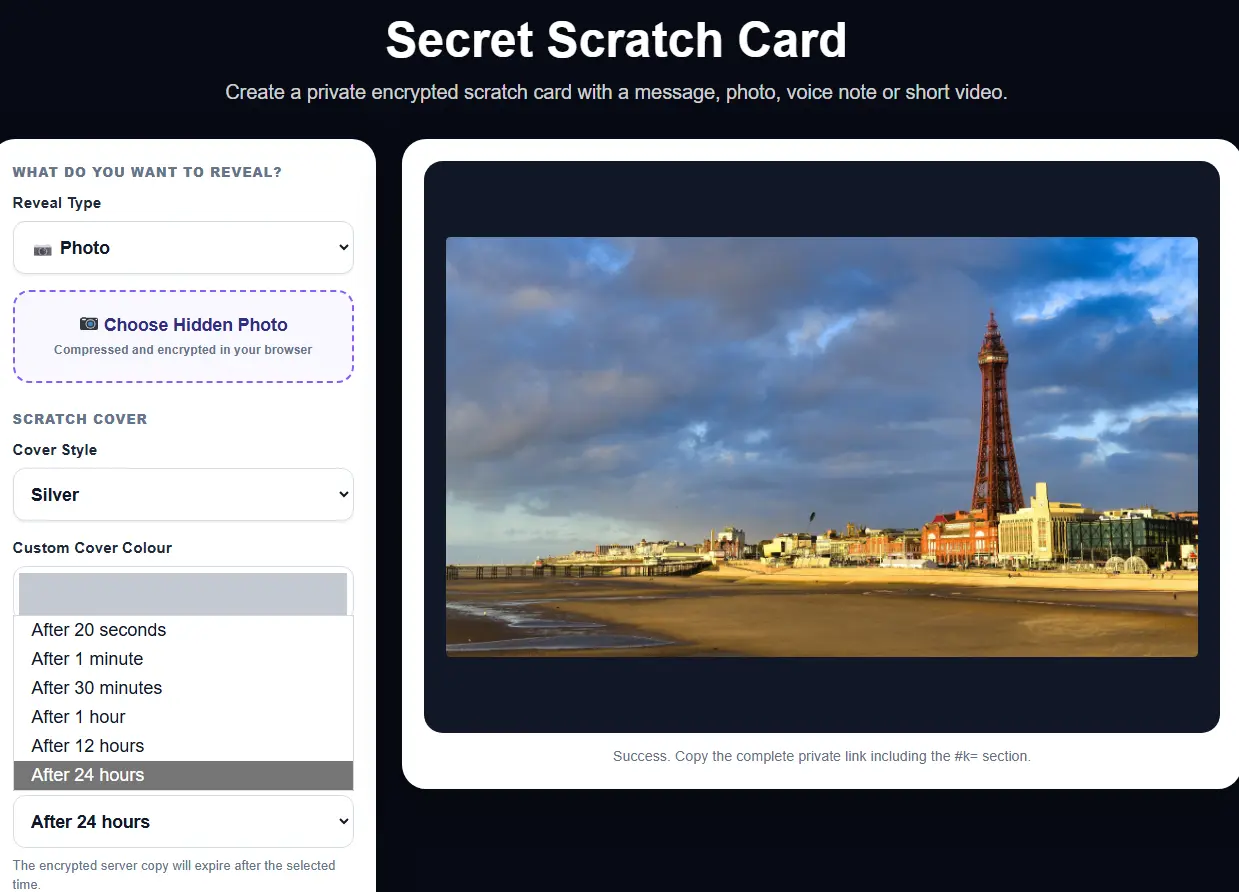
Secret Scratch Cards are designed for temporary sharing. When creating your card, you can choose how long the encrypted server copy remains available.
Current expiry choices include:
- After 20 seconds
- After 1 minute
- After 30 minutes
- After 1 hour
- After 12 hours
- After 24 hours
This is useful when you want to send something fun, personal or temporary without leaving the shared card available indefinitely.
Scratch to Reveal the Surprise
Once the card has been created, you receive a private link that you can send to the person you want to surprise.
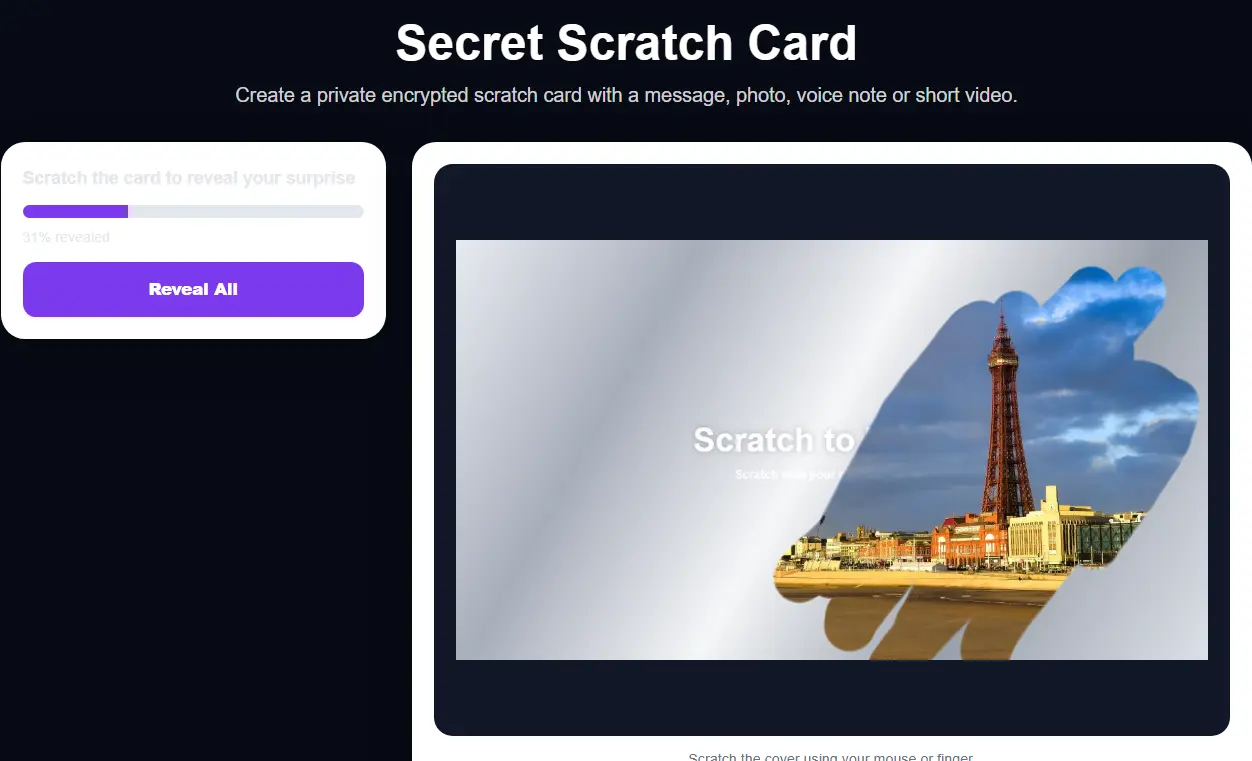
When they open the link, the hidden content is covered by the scratch layer. They can use their finger on a phone or tablet, or their mouse on a computer, to gradually scratch away the cover.
There is also a Reveal All option if they would rather uncover the complete content immediately.
What Could You Use a Secret Scratch Card For?
There are plenty of ways to use the tool. For example:
- 🎂 Birthday messages
- 🎁 Surprise announcements
- ❤️ Personal messages
- 🧩 Clues and mini treasure hunts
- 📷 Secret photographs
- 🎙️ Personal voice greetings
- 🎬 Short surprise videos
- 🎉 Party or event invitations
- 💌 Fun messages for friends and family
Customise the Scratch Cover
You can customise how the card looks before you send it. Choose a scratch-cover style, select a custom colour and add your own cover message.
You could use messages such as: “Scratch to Reveal”, “A Surprise for You”, “Can You Guess What This Is?” or anything else you like.
Private Temporary Sharing
Your selected content is prepared and encrypted in your browser before the temporary encrypted data is uploaded.
The private sharing link contains the information required by the recipient to open the card.
You can also choose whether the recipient is allowed to download the revealed content and whether the encrypted content should be deleted after the first complete reveal.
Try the Secret Scratch Card
Create your own scratch-to-reveal surprise with a photo, text message, voice note or short video.
Create One FreeNo Download or Account Needed
MixPlay tools run directly in your web browser, so there is no software to install.
Simply open the Secret Scratch Card tool, choose what you want to hide, customise the card and create your private sharing link.